
Recurring and one-off scheduling
Plan regular rounds and one-off care in the same schedule.
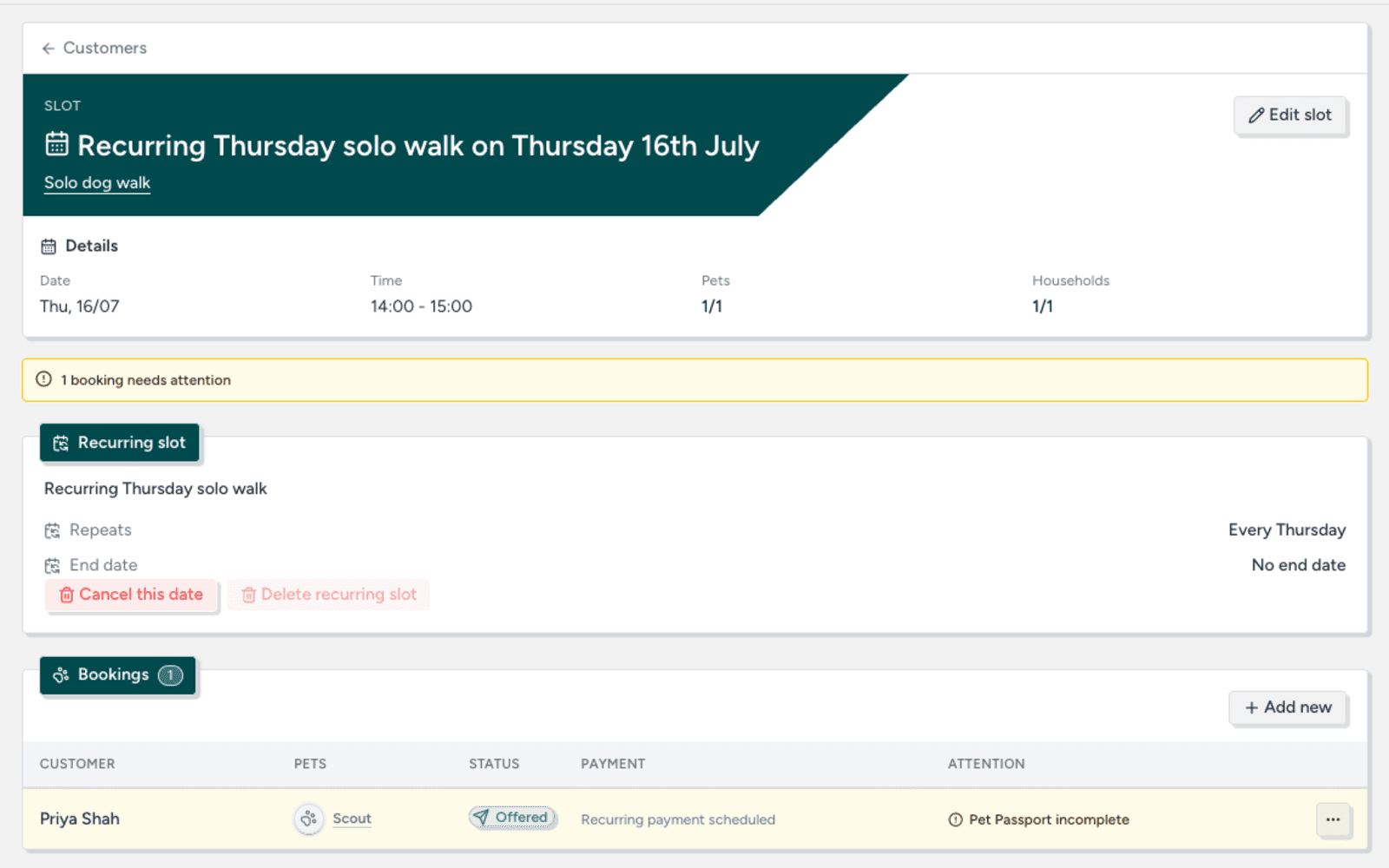
Keep every payment connected to the right care.
Where the admin builds up
Payment links, bank transfers and cash notes can easily become detached from the care they cover. Checking who has paid turns into another admin job.
How TailTrack helps
Know what has been paid. See what is due, what has been paid and which bookings each payment covers without matching separate links to a diary.
How it works
See how TailTrack handles this part of the booking process.
Offer online card payments or the manual methods that suit your business.
Request payment for one-off care or use a schedule for recurring bookings.
Clients see what they are paying for and you keep the linked booking details.
See paid, overdue and refunded payments in one place.
Plan regular rounds and one-off care in the same schedule.
Collect client, pet and booking details in one branded form.
Set the questions and timing that suit each care service.
Try TailTrack free for 14 days. Set up your services and booking form, then keep requests, schedules and pet details together.